share it to pianoflare.
Tap share on any piano video and pick Pianoflare. Or paste a link, record your own playing, or open a file.
TikTokInstagramYouTubePhotosFilesMIDI
for iPhone
Share a piano video from TikTok, Instagram or YouTube. Pianoflare hears every note and gives you falling notes with real hands, sheet music, and a lesson that waits for you.
how it works
Tap share on any piano video and pick Pianoflare. Or paste a link, record your own playing, or open a file.
Pianoflare picks out each note, how long it rings, and which hand plays it. Talk and clicks in the video stay out.
One song, three ways in. A falling-notes video, sheet music, and a lesson that listens to your piano.
looks
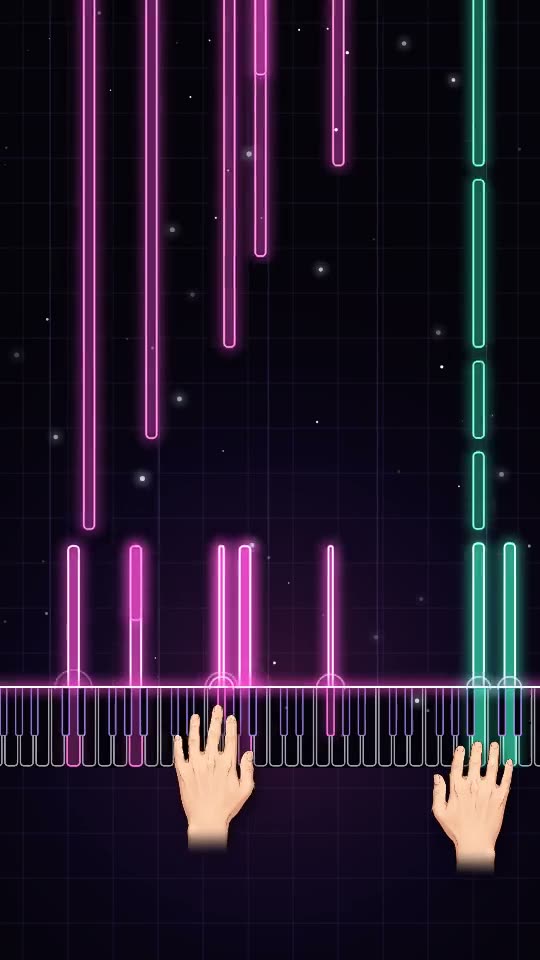
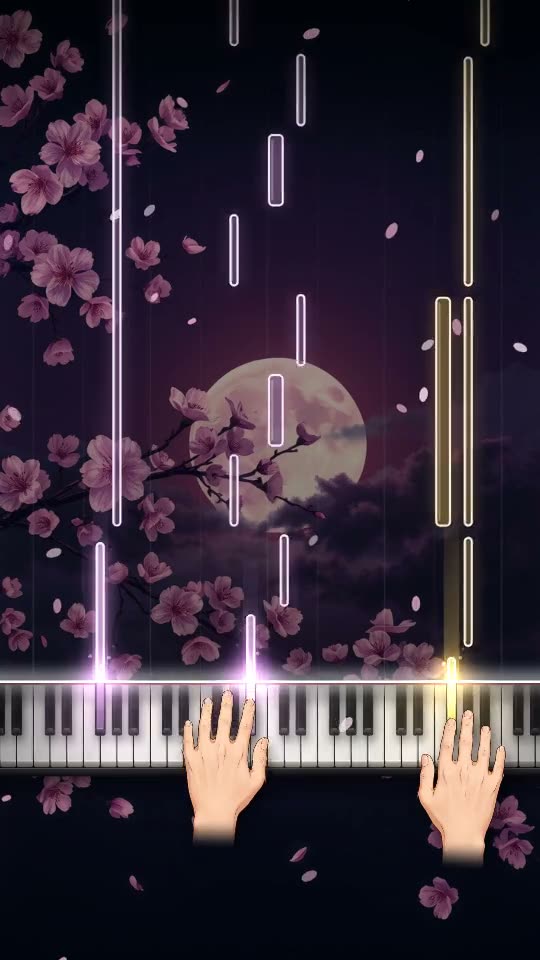
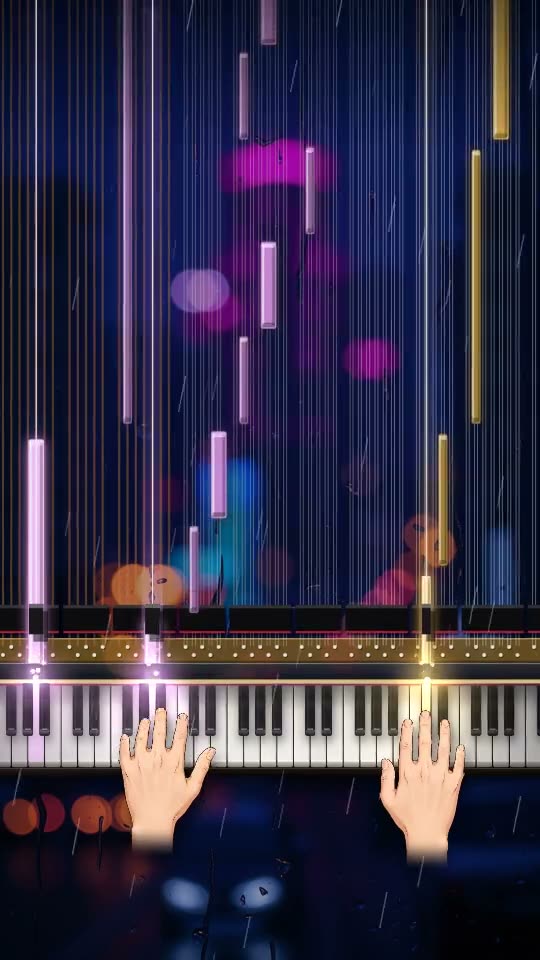
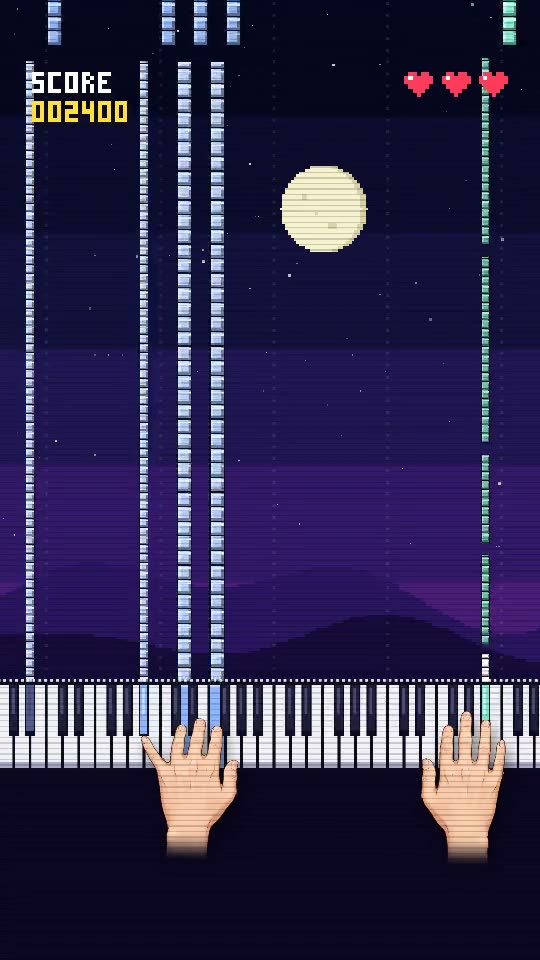
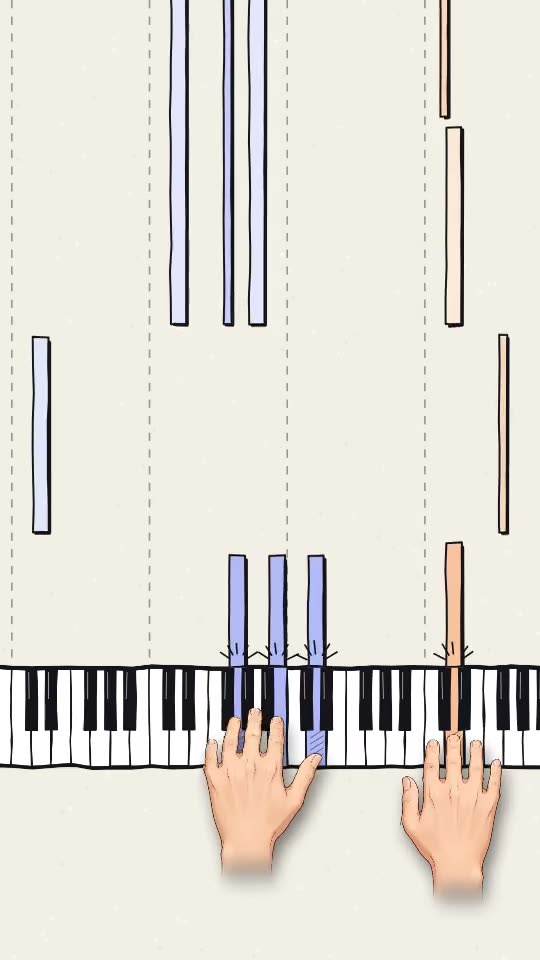
Every video is drawn live, so you pick the look. Neon, hand-drawn, pixel, a rainy city. The hands play every key.
one song, three ways
Falling notes with two hands that play every key. Trim it, set the speed, and export for TikTok, Reels or YouTube.
Read the score while the notes fall. Export it as PDF, MusicXML or MIDI.
Play along on your own piano. Pianoflare listens and waits on each note until you hit it.
Move a note, change its pitch, delete it, or give it to the other hand. The video and the sheet music follow.
you heard it once.
now your hands know it.
faq
Solo piano with a clear sound. A phone near the piano in a quiet room is great. Pianoflare also has a mode for full songs with other instruments, but piano on its own gives the cleanest notes.
Open the video in TikTok, tap share, then pick Pianoflare. You can also copy the link and paste it in the app. Instagram, YouTube, Photos and Files work the same way.
Only for learn mode. Any acoustic or digital piano works with the microphone, and a MIDI keyboard works over a cable or Bluetooth. You can watch, read and export without one.
Pianoflare is a paid subscription. The price and any free trial show in the app before you pay, and Apple bills you. You can cancel at any time in your Apple ID settings.
Yes. The videos you export are yours to post. You need the rights to the music you play or import, the same as on any platform.
Not yet. Pianoflare is on iPhone first.
In the app, open the you tab and tap delete account. This deletes your songs, videos and account. You can also email help@pianoflare.app.